Choosing web hosting is rarely just a technical decision. For many WordPress site owners, hosting becomes part of the everyday publishing experience: how quickly the dashboard loads, how easily files and backups can be managed, how stable the site feels during updates, and how much technical friction appears when something needs to be fixed.
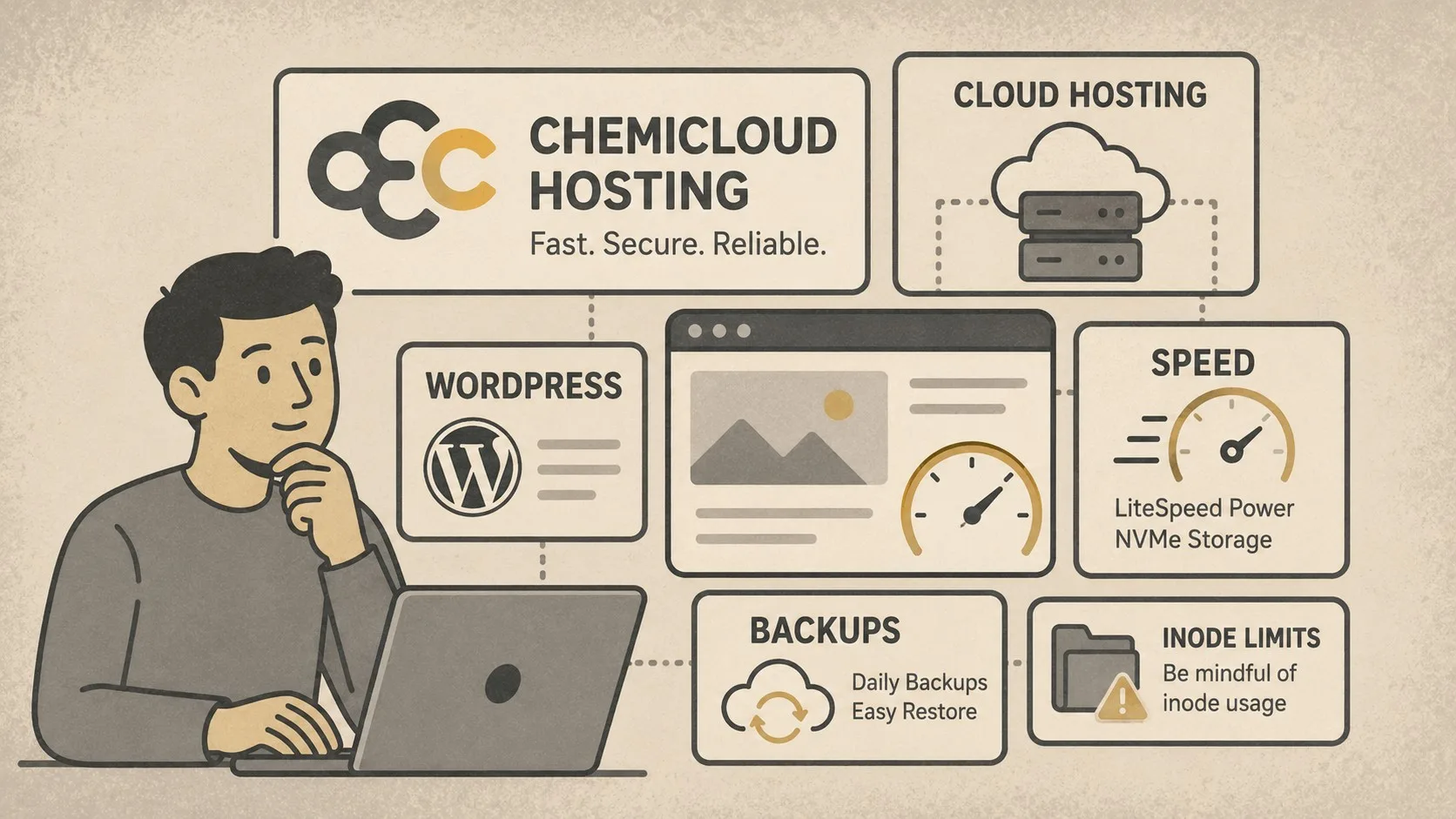
ChemiCloud is one of the hosting providers that fits well into this practical category. It is not positioned as a complex enterprise platform, and it does not require the user to manage a server manually. Instead, it offers a familiar shared and WordPress hosting environment with modern performance features, cPanel access, LiteSpeed servers, NVMe storage, daily backups, free SSL, free migration, and global server locations.
For WordPress users who want a hosting setup that feels fast without becoming difficult to manage, ChemiCloud is worth considering.
Disclosure: This article contains an affiliate link. If you sign up through our link, FinUXlab may earn a commission at no additional cost to you. Our comments are based on practical use, feature review, and independent editorial judgment.
Why hosting experience matters for WordPress
WordPress can run on almost any standard hosting account, but the experience is not the same everywhere. A site may technically work, while still feeling slow in the admin area, taking too long to save posts, struggling with plugin updates, or requiring extra optimization just to reach acceptable performance.
This is why hosting should be evaluated not only by headline features, but also by everyday usability. A good WordPress host should make routine tasks simple: installing WordPress, enabling SSL, managing backups, checking files, setting up email, using caching, and getting support when something breaks.
ChemiCloud performs well in this practical area. The environment is familiar, especially for users who already know cPanel, but the performance stack feels more modern than many basic shared hosting packages.
What makes ChemiCloud feel fast
The most noticeable advantage of ChemiCloud is speed. For WordPress websites, this matters in two places: the public-facing site and the WordPress admin dashboard.
ChemiCloud uses LiteSpeed servers, which are widely appreciated in the WordPress ecosystem because they work especially well with the LiteSpeed Cache plugin. When configured properly, this combination can improve page delivery, reduce server load, and make cached pages respond quickly.
The use of NVMe storage also helps. WordPress websites constantly read and write small files, load plugin assets, query the database, and generate cached data. Faster storage does not fix a poorly built site, but it does make the hosting environment more responsive.
For a typical WordPress website, the speed advantage is most visible when the site is not overloaded with heavy themes, unnecessary plugins, oversized images, and poorly configured builders. ChemiCloud provides a good foundation, but WordPress performance still depends heavily on how the site itself is built.
ChemiCloud and WordPress usability
ChemiCloud is not difficult to use. That is one of its strongest points.
The hosting environment includes cPanel, which remains familiar to many site owners because it gives direct access to domains, files, databases, email accounts, SSL certificates, backups, and common hosting tools. This is useful for users who want control without managing a VPS.
For WordPress users, the one-click installation option is convenient. It reduces setup friction, especially for users launching a new site or moving from another provider. Free migration is also important because many people delay switching hosts simply because they do not want to deal with moving files, databases, DNS records, and email accounts manually.
In practical terms, ChemiCloud is a good fit for users who want a hosting service that feels simple but not overly limited.
Features that matter most
The main ChemiCloud features that stand out for WordPress and content websites are:
- LiteSpeed servers for strong WordPress caching compatibility.
- NVMe storage for faster file and database access.
- Free SSL certificates for HTTPS.
- Daily backups with restore options depending on the plan.
- Free website migration.
- cPanel access.
- Cloudflare CDN integration.
- Multiple global server locations.
- Email hosting included with shared plans.
- 24/7 support.
- 45-day money-back guarantee.
These are not exotic features, but together they create a hosting environment that is practical for real websites. For many small and medium WordPress projects, this is more useful than having a technically impressive platform that is difficult to manage.
The important limitation: inodes
The main limitation to understand before choosing ChemiCloud is inodes.
An inode usually represents a file, folder, email, or another file-system object. In WordPress, inodes can grow quickly because a single site may contain thousands of small files: core WordPress files, theme files, plugin files, cache files, thumbnails, backups, logs, temporary files, and email storage.
This is not only a ChemiCloud issue. It is a common WordPress hosting issue, especially on shared hosting. WordPress sites with many plugins, page builders, image sizes, cache folders, backup archives, staging copies, and unused themes can consume inodes faster than expected.
In my experience, this is the main thing to watch. ChemiCloud can feel fast and convenient, but if you run several WordPress websites, keep many backups on the server, or use plugins that generate large cache folders, inode usage can become noticeable.
The practical solution is not necessarily to avoid ChemiCloud. The better approach is to manage WordPress more carefully:
- delete unused themes and plugins;
- avoid storing old backup archives inside the hosting account;
- clean cache folders regularly;
- remove unused image thumbnails when possible;
- keep email storage under control;
- avoid unnecessary staging copies;
- monitor inode usage from the hosting panel.
If you are planning to host only one clean WordPress site, the inode limit may not be a major concern. If you plan to host many WordPress sites under one account, it becomes much more important.
Which ChemiCloud plan makes sense?
ChemiCloud offers several shared hosting tiers. The right choice depends less on the word “unlimited” and more on actual resources: storage, CPU, memory, backup retention, and inode limits.
The Starter plan is best for one website. It is suitable for a small WordPress site, a blog, a landing page, or a simple company website.
The Pro plan is more flexible for users who manage multiple smaller websites. It provides more storage, more memory, and a higher inode limit than the entry-level plan.
The Turbo plan is the better option if speed and resource headroom matter more. It includes more storage, more memory, a higher inode limit, and additional performance features such as Redis-related caching support.
For most serious WordPress users, the Pro or Turbo plan is usually more practical than the cheapest plan. Starter can work well, but WordPress tends to grow over time: more images, more plugins, more logs, more emails, more cache files, and more database activity.
Who ChemiCloud is best for
ChemiCloud is a good fit for users who want fast shared hosting without moving to a VPS. It is especially suitable for:
- WordPress blogs;
- affiliate websites;
- niche content websites;
- small business websites;
- portfolio sites;
- small WooCommerce stores;
- website owners who prefer cPanel;
- users who want free migration instead of moving everything manually;
- people who value speed but do not want server administration.
It is also a sensible option for site owners who want a balance between performance and simplicity. ChemiCloud is not the cheapest possible hosting, and it is not the same as having a fully dedicated server, but it offers a comfortable middle ground.
Who should be more careful
ChemiCloud may not be the best fit for every project.
If you manage a very large WooCommerce store, a high-traffic membership platform, a heavy LMS website, or a WordPress multisite network with many active sites, shared hosting may eventually become limiting. In that case, a VPS, cloud server, or managed WordPress platform with dedicated resources may be more appropriate.
You should also be careful if your WordPress setup generates many files. Some backup plugins, image optimization plugins, security scanners, staging tools, and cache plugins can create a large number of files. This can cause inode usage to grow even when disk space still looks available.
Before choosing a plan, it is worth thinking not only about storage in GB, but also about file count, number of WordPress installations, plugin behavior, and email usage.
Practical tips for using ChemiCloud with WordPress
To get the best result from ChemiCloud, the hosting account should be kept clean. A fast server cannot fully compensate for a messy WordPress installation.
Start with a lightweight theme when possible. Use only the plugins you actually need. Configure LiteSpeed Cache carefully instead of installing several optimization plugins that overlap with each other. Compress images before uploading them. Use Cloudflare or another CDN option if your audience is geographically distributed.
Backups are important, but storing too many local backup archives inside the hosting account is not ideal. It can consume storage and inodes quickly. A better setup is to keep recent restore points available through the host and send long-term backups to external storage.
It is also useful to check inode usage periodically. Many WordPress users watch disk space but ignore file count. In practice, inode usage can become the first limit you reach.
My overall view
ChemiCloud is easy to like because it gets the basics right. It feels fast, the control panel is familiar, WordPress setup is simple, and the performance stack is well suited to content websites. LiteSpeed, NVMe storage, Cloudflare CDN, free SSL, daily backups, and migration support make it a strong option for many WordPress users.
The main caveat is inode usage. This does not ruin the service, but it should be understood from the beginning. WordPress websites can create many files, and plugin-heavy sites can reach inode limits faster than expected. If you keep your installation clean and monitor file usage, ChemiCloud can be a very comfortable hosting choice.
For users who want fast, practical, and user-friendly WordPress hosting, ChemiCloud is worth testing.
You can check the current ChemiCloud plans here: https://chemicloud.com/